
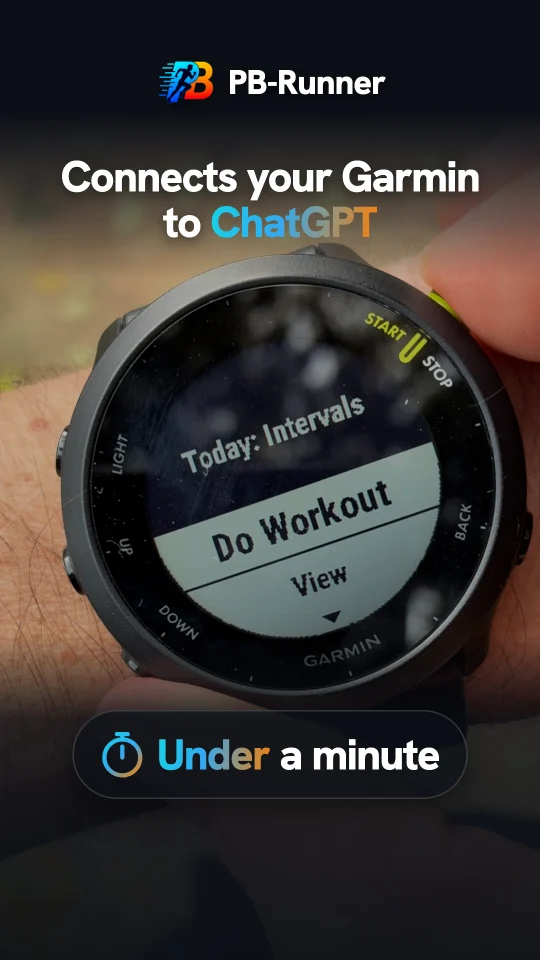
How a ChatGPT workout gets to your Garmin
PB-Runner gives ChatGPT both directions: it reads every Garmin run and sends your next workout to your watch. Your watch picks it up on its next sync, warm-up, reps, recoveries and cool-down all timed for you. Three steps, once, and every workout after that is one message away.
Get PB-Runner
Free to download for iPhone and Android, with a watch app for Garmin. See it all at pb-runner.com.


1. Connect Garmin Connect to PB-Runner
- Open PB-Runner on your iPhone or Android phone. New here? The setup asks what you run with: pick Garmin and connect it right there.
- Already set up? Open Settings, then Garmin, then Connect your Garmin.
- Tick the box confirming you've turned off model training in your AI, tap Continue to Garmin Connect, sign in to Garmin and allow access.
- Switch on Send my sessions to Garmin Connect.
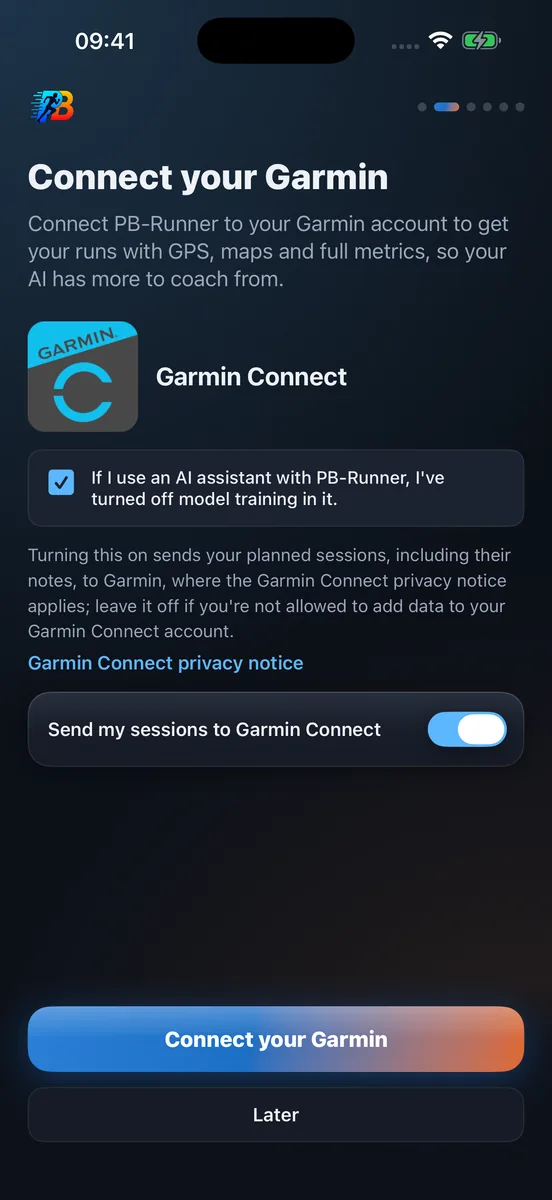
From now on your Garmin runs flow into PB-Runner by themselves, minutes after your watch syncs. ChatGPT always coaches from your latest run.
2. Add PB-Runner to ChatGPT
- ChatGPT: open PB-Runner Running Coach in ChatGPT, or go to Customize, then Plugins, and search for it. Add it.
- Claude: open PB-Runner Running Coach in Claude, or go to Settings, then Customize, then Connectors, and search for it. Click Connect.
- Sign in with the same Apple or Google account you use in the PB-Runner app. Done.

3. Ask ChatGPT for the workout
Say it the way you'd say it to a coach:
"Build me 6 x 800 m at 5K pace with 400 m jog recoveries for Thursday, and send it to my Garmin."
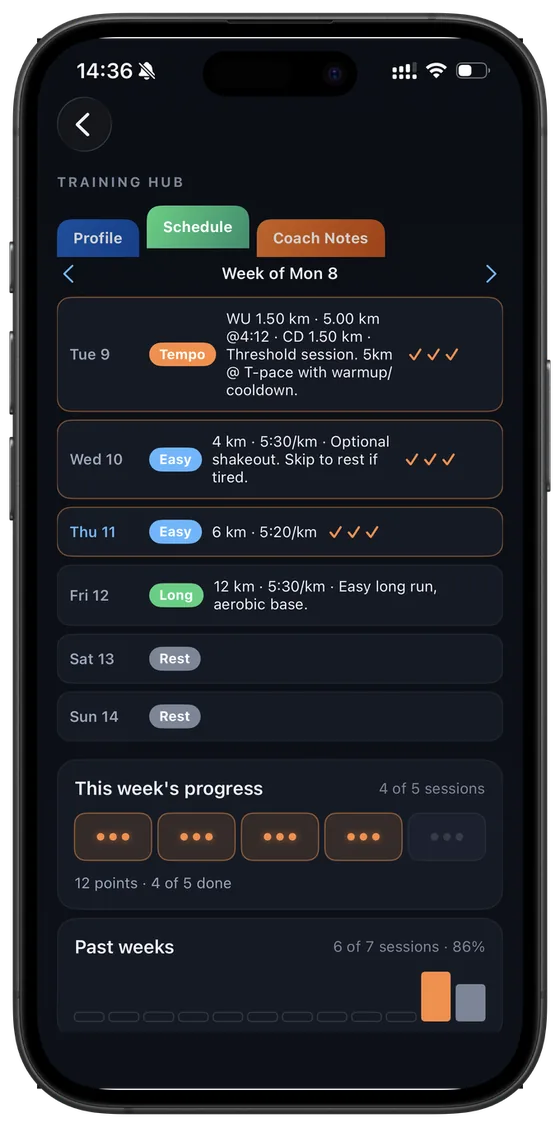
ChatGPT knows your paces from your own runs, so 5K pace means your 5K pace. It shows you the structured workout, you say yes, and it's saved to your PB-Runner Schedule and sent straight on to your Garmin Connect calendar.
4. Run it on your Garmin
Sync your watch and the workout is there on the day you planned it, in Garmin's own workout player. Start it and the watch counts you through every step with your targets on screen. When you stop, the run flows back to PB-Runner, ready for ChatGPT to review.
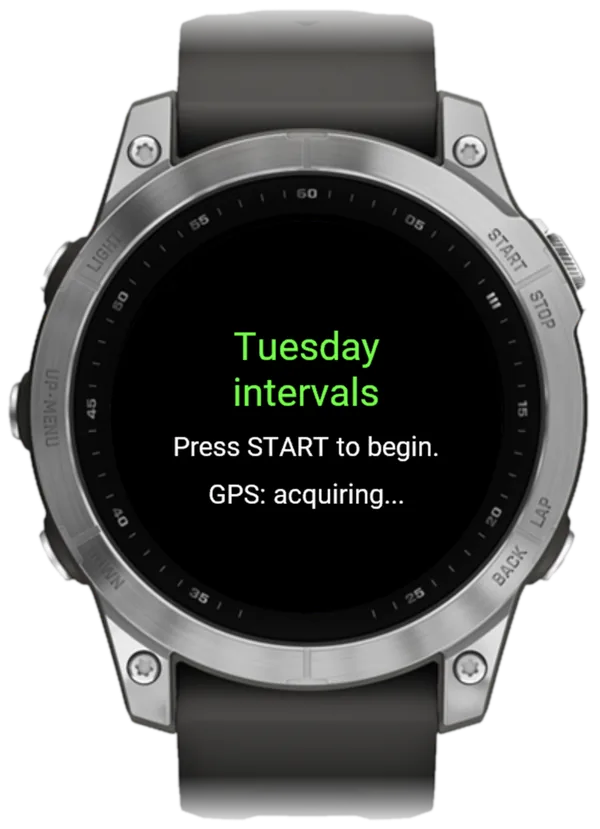
Want every rep's result on your wrist? The PB-Runner watch app on the Connect IQ Store plays the same workouts with a buzz and a tone at every change, and sends back your route, a time for every kilometre and what you ran in each rep. Pick the app or Connect your Garmin for bringing runs in, and the watch app's manual has the rest.
Workouts to ask ChatGPT for
- Give me a 50-minute tempo run for Saturday: 15 easy, 20 at threshold, 15 easy.
- Put 5 x 1 km at 10K pace on my Garmin for Tuesday.
- I'm tired. Swap tomorrow's intervals for an easy 40 minutes.
- Build a long run for Sunday with the last 3 km at half marathon pace.
Questions runners ask
Can ChatGPT create Garmin workouts?
Yes. With PB-Runner connected, ChatGPT writes structured workouts, warm-up, reps, recoveries and cool-down, and they land on your Garmin Connect calendar ready to play.
How do I connect ChatGPT to my Garmin?
Connect your Garmin in PB-Runner, then add PB-Runner Running Coach in ChatGPT. Every step: connect Garmin to ChatGPT.
How do I send a workout to my Garmin from ChatGPT?
Connect your Garmin in PB-Runner, switch on Send my sessions to Garmin Connect and add PB-Runner Running Coach in ChatGPT. Then ask for the workout and say yes.
Does it work with a free ChatGPT account?
Yes. PB-Runner Running Coach works on ChatGPT's free plan, and on Claude's free plan too.
Can I use Claude instead?
Yes. Add PB-Runner Running Coach from Claude's connector directory and ask the same way. Your Claude Garmin workouts land in exactly the same place.
How far ahead do workouts go to my watch?
Your next 14 days of PB-Runner workouts sit on your Garmin Connect calendar, always up to date.
Your next workout, on your Garmin
Start today
Download PB-Runner, connect your AI and ask for your first workout. Everything else is at pb-runner.com.