
Your whole running history, in one place
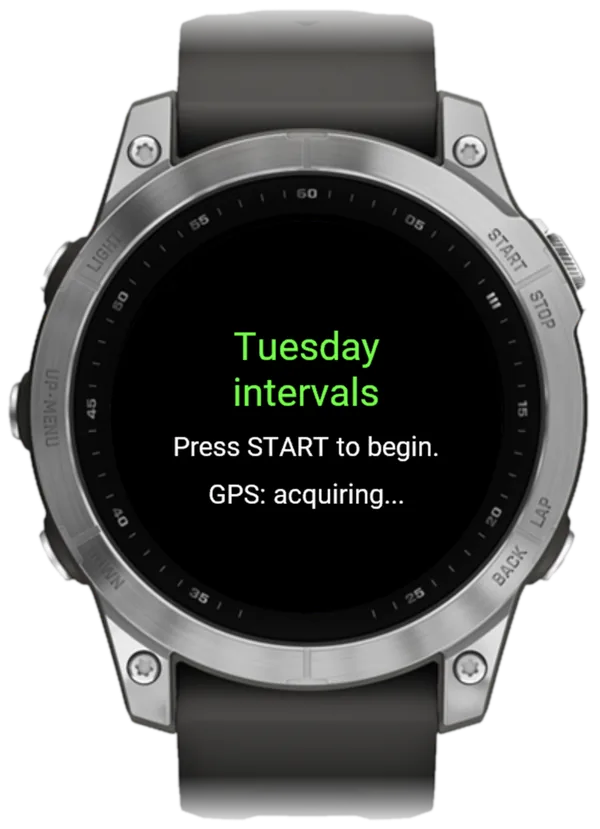
Connect your Garmin to PB-Runner and every new run flows in by itself. Your history comes across in one export: a file, a drop, done. From then on ChatGPT or Claude coaches you with the full picture. PB-Runner gives your AI both directions: it reads every Garmin run and sends your next workout to your watch.
Get PB-Runner
Free to download for iPhone and Android, with a watch app for Garmin. See it all at pb-runner.com.



Years of runs, in one file
Years of runs, every race and every long run, each with its distance, time and pace, average and max heart rate, elevation, cadence, stride length, calories and title. They count in your history and your training load straight away, so your AI sees how you got here. Runs already in PB-Runner are recognised and topped up, never doubled, so export as much as you like.
1. Export your Garmin Connect data as a CSV
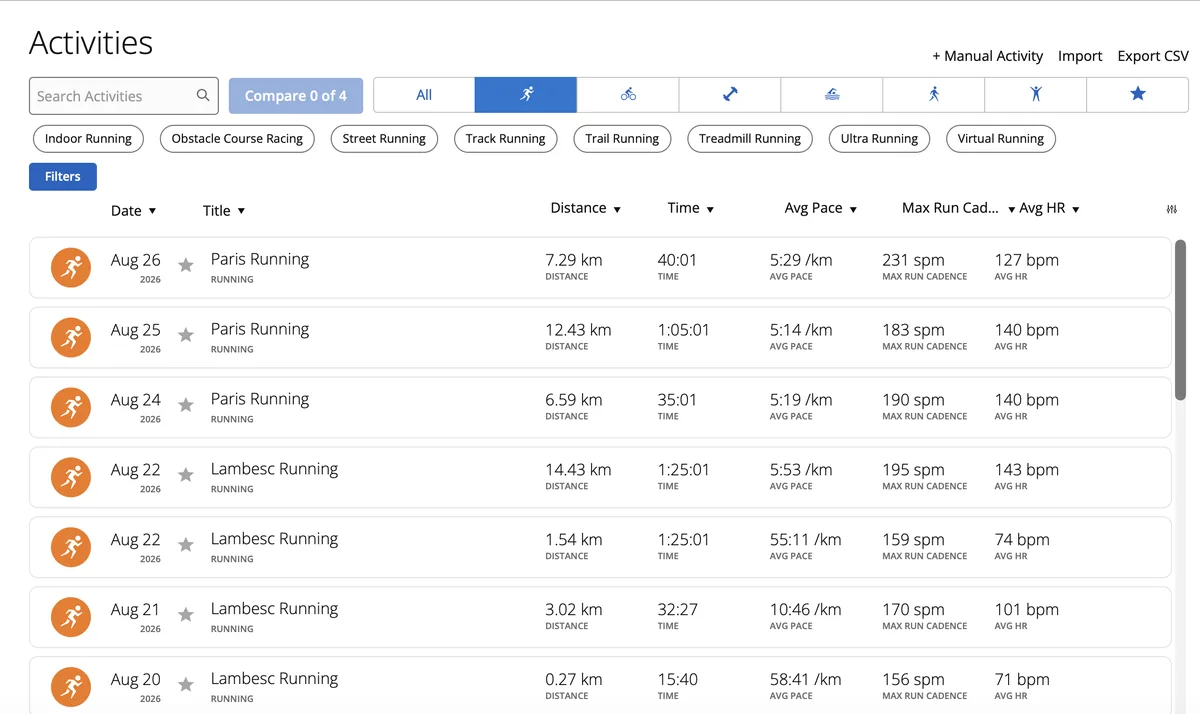
- On a computer, open your running activities in Garmin Connect: connect.garmin.com/app/activities?activityType=running.
- Scroll down until every run you want has loaded. The export takes everything on the page.
- Click Export CSV at the top right of the list. You get a file called Activities.csv.
2. Drop it into PB-Runner
- Sign in at pb-runner.com/import with the same Apple or Google account you use in the app.
- Choose Activities.csv.
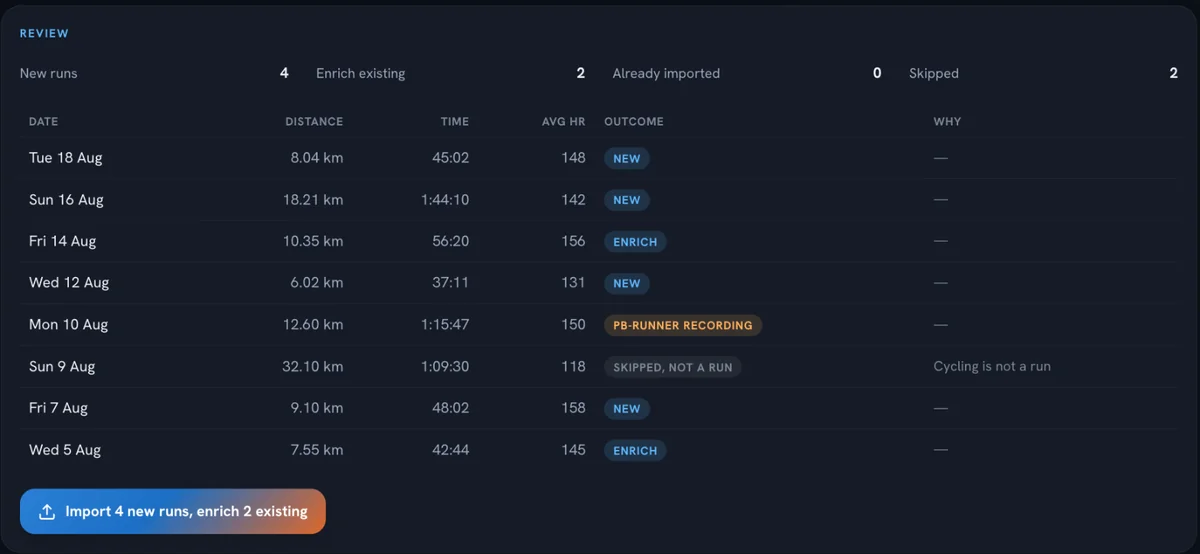
- Check the preview and confirm. That's it.
On iPhone? Apple Health brings runs in too
If Garmin Connect already shares your runs with Apple Health, open the Runs tab in PB-Runner, tap Sync Runs and import them in one go.
3. Ask your AI about your history
Now the fun part. Try:
"Look at my last two years of running. When was I fittest, and what was I doing then?"
- Compare this year's half marathon build with last year's.
- How has my weekly mileage changed since last spring?
- Which month of training worked best for me?
Then let it plan your next block, straight onto your Garmin.
Questions runners ask
How do I export my Garmin Connect data?
Open your running activities in Garmin Connect on the web, scroll until every run has loaded, then click Export CSV at the top right. You get Activities.csv.
Can I download all my Garmin activities at once?
Yes. Keep scrolling the running activities list until it has loaded every run you want, then export. One file holds the lot.
Does connecting my Garmin bring my old runs?
Connecting brings every run from that day on. Your older runs come across with the CSV export, in minutes.
Will my runs show twice?
No. Runs PB-Runner already has are recognised and topped up, never duplicated.
Your history, ready for your AI
Bring it all in
Download PB-Runner, connect your AI and ask for your first workout. Everything else is at pb-runner.com.