
Two buttons do almost everything
The button you need is the top-right one, the one your watch starts and stops an activity with, and the button below it. Different Garmin watches print different words next to them. Some say START, some say nothing at all. So this manual points at where they are rather than what yours calls them. The positions are the same on all of them.
Open the app
PB-Runner is in the same list your watch keeps its activities in. Open it and it checks for today’s session. If there is one it shows its name and how many steps it has. If your phone is not in range it offers whatever it loaded earlier in the day, which plays without a phone.
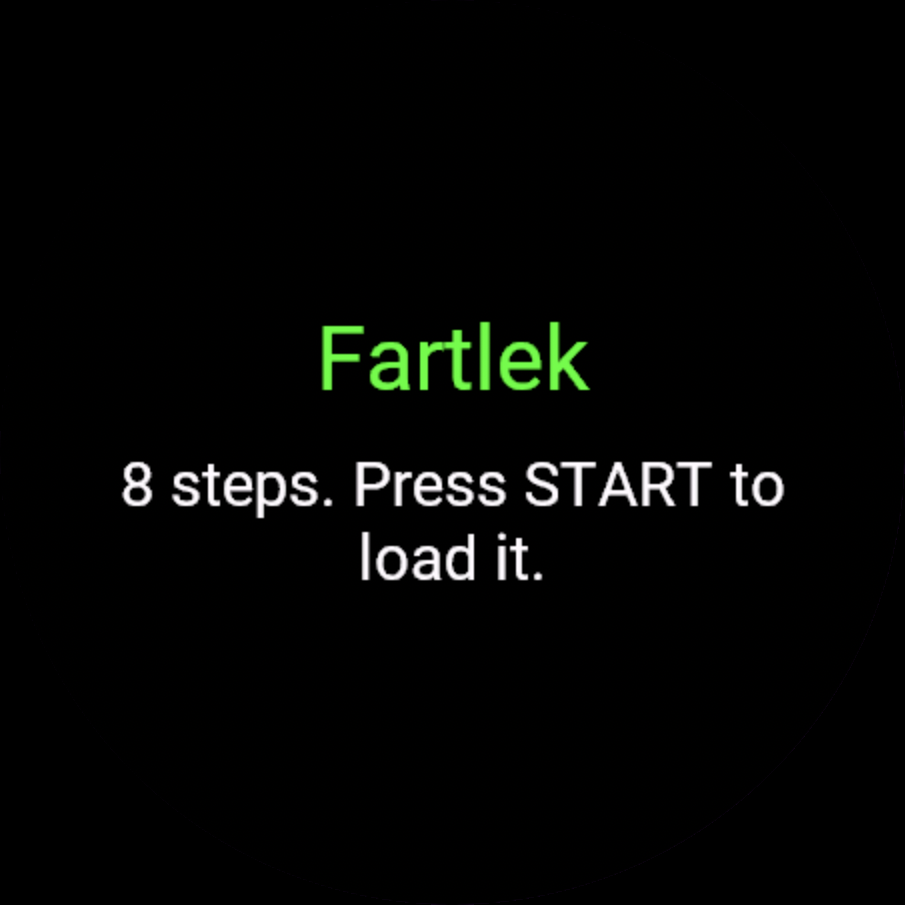
Press START
The session loads and the watch waits on a screen that says Press START to begin. The line under it tells you whether GPS has a fix yet. It is there to tell you, not to hold you up: START behaves the same either way. Press it again and the run begins.
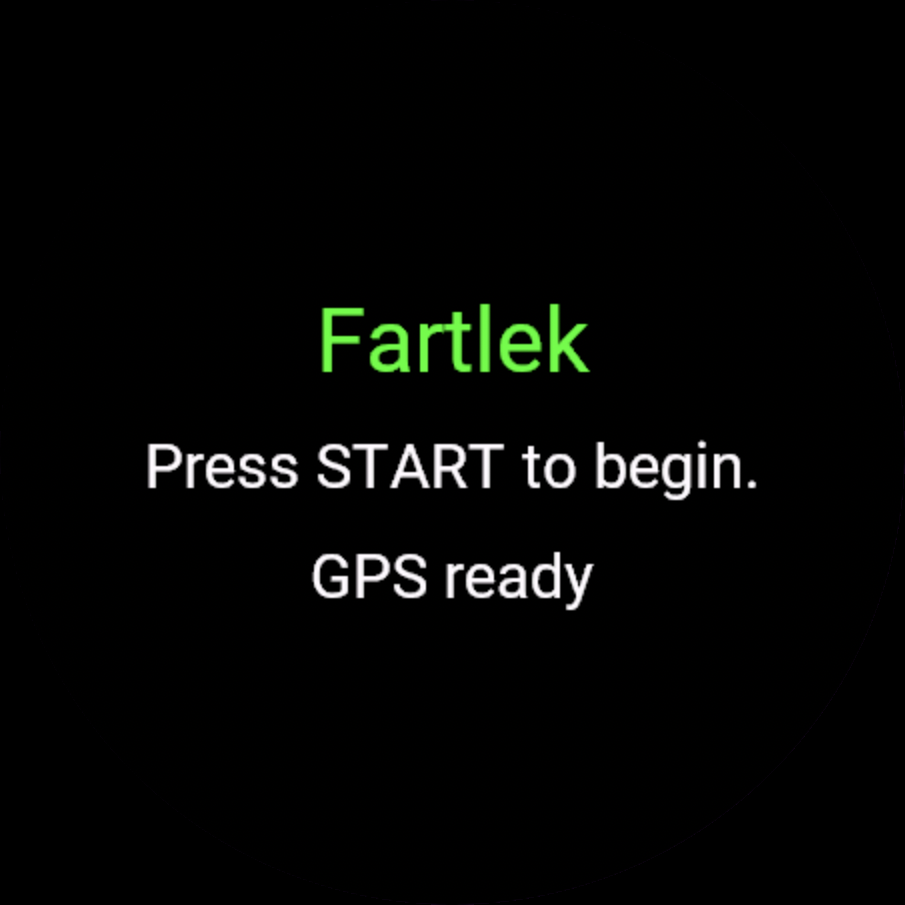
The three screens
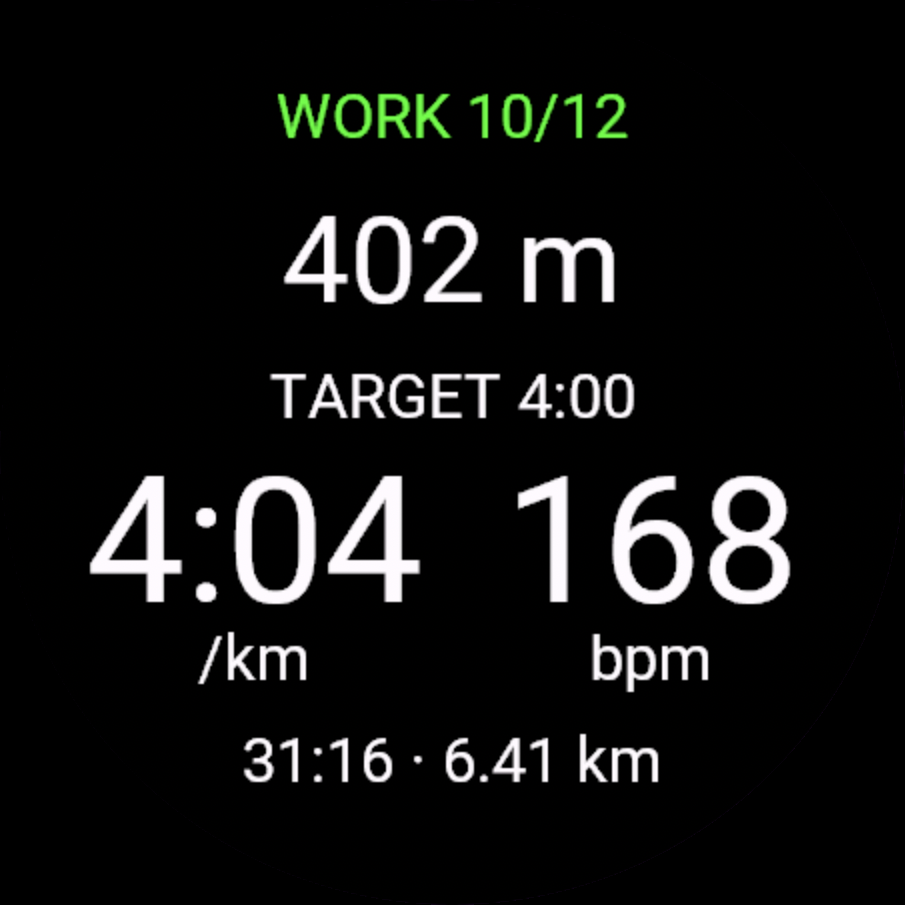
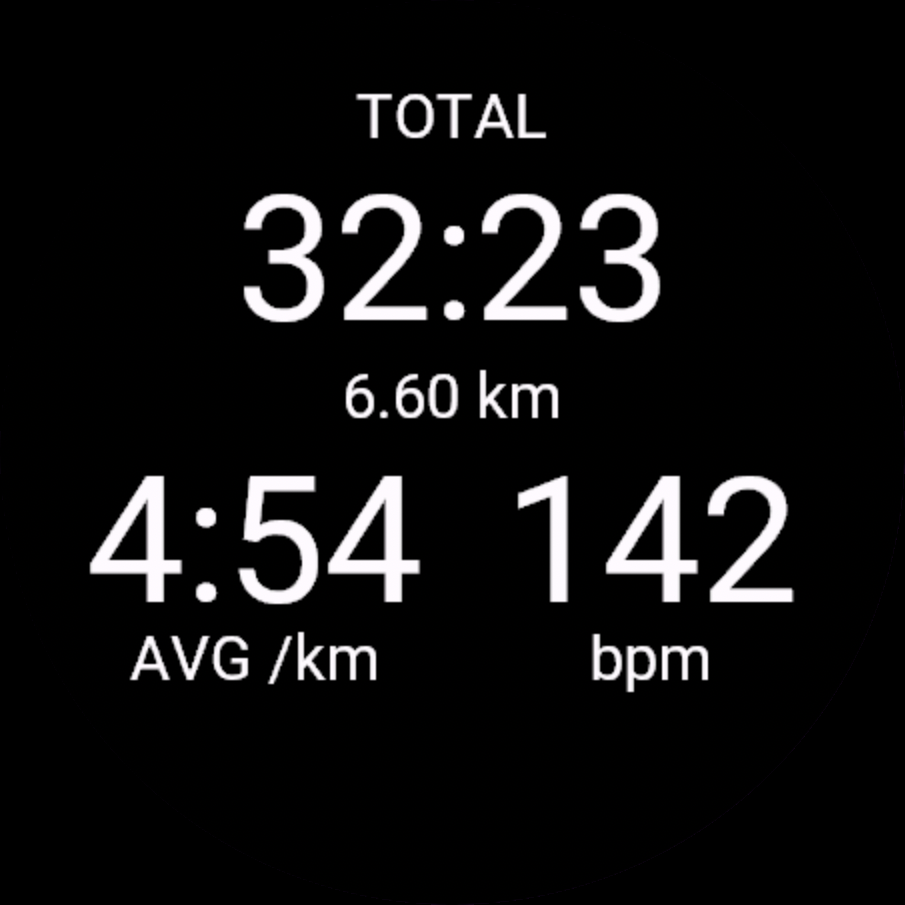
While you run, UP and DOWN move between three screens, and they wrap round, so either direction reaches any of them. On a touchscreen watch, swiping should do the same. STEP is the one you want mid-rep: the step you are on, how much is left of it, your target if the session sets one, and your pace and heart rate side by side. DATA is the whole run: elapsed time, distance, average pace and average heart rate. SESSION is where you are in the workout, which step of how many, and what comes next. The line along the bottom of STEP shows the whole run’s time and distance, except during the main block of a session with one main block, where it shows that block’s own time and distance. While the run is paused it reads PAUSED and the distance.
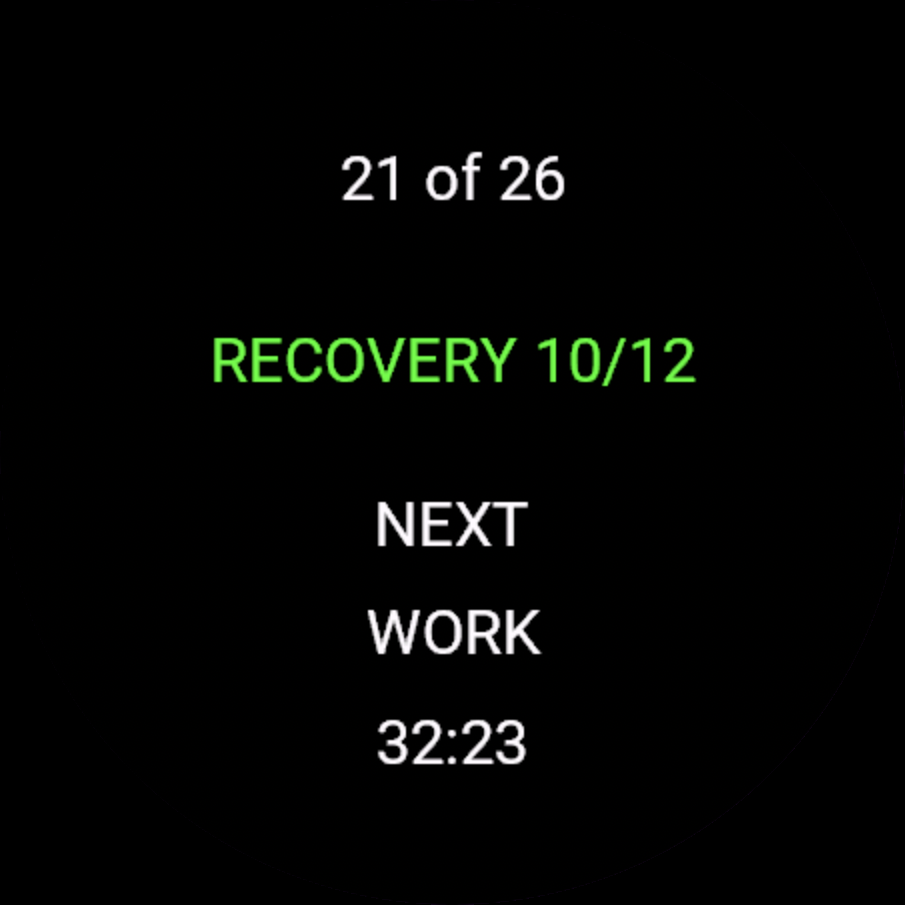
What the buzzes mean
One buzz and a tone at every step change, with three short taps, no tone, counting down the last three seconds of a timed step. Two long buzzes when you start the last hard rep, one long one when the cool-down begins, and two again when the plan is over, each with a tone. If a step sets a pace target the watch buzzes when you drift off it, with a low tone if you are slow and a high one if you are fast. A heart-rate target is shown on the screen and is never cued. On a session with one main block there is also a buzz and a tone at every kilometre or mile, described below. Nothing buzzes while the run is paused, and a cue whose moment passes while you are stopped is dropped rather than saved up. The watch can’t speak, because Garmin doesn’t let watch apps use voice, so the tones are the watch’s own alert tones: they need alert tones switched on in the watch’s Sounds & Vibe settings, and with them off you get the buzzes alone. Do Not Disturb can silence both, so check it’s off.
Splits and step results
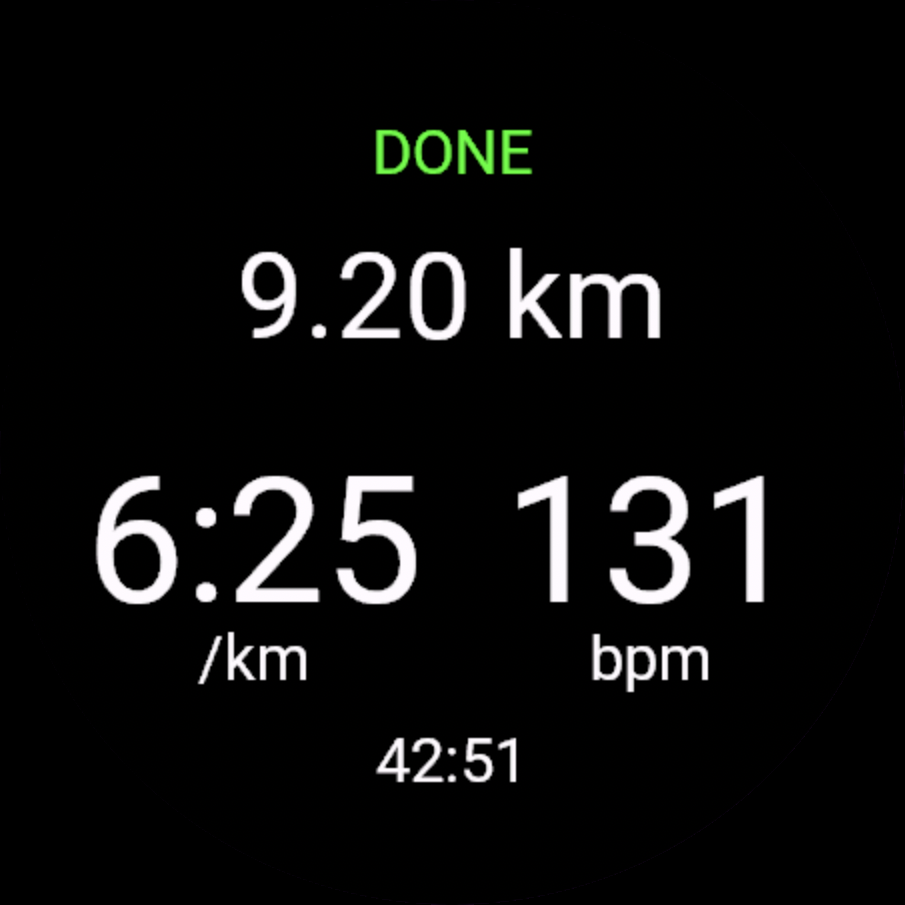
At the end of every step the watch shows for about three seconds how it went: a heading such as WARM UP, WORK 3, RECOVERY 3 or COOL DOWN, your average pace, a TARGET line with how far off the target pace you were if the step had one, plus for slower and minus for faster, and the step’s time and distance. The plan’s last step shows its result too, and then the heading changes to DONE.
On a session with at most one main block, such as an easy run, a tempo, a steady run or a race written as a warm-up, one main block and a cool-down, the watch also buzzes and sounds a tone at every kilometre, or every mile if that is your watch’s units setting, and shows the split for about three seconds. The heading is its number, KM 7 or MILE 7, and the big number is that kilometre’s time. TOTAL is your time in the current block so far, pauses left out. TARGET +0:12 means you are 12 seconds behind the block’s target pace over the whole block so far, and a minus means you are ahead. If the block has no target pace you see HR and that kilometre’s average heart rate instead, and the same once the plan is over and you are still running.
The count starts again at 1 in the warm-up, the main block and the cool-down. When a block ends exactly on a kilometre you get the step result, not a separate split, and the result at the end of the main block stays for about six seconds. Interval sessions have no kilometre buzz: the result at the end of each rep does that job. Pausing clears the panel from the screen.
Ending the run
When the last step ends the watch buzzes twice and the heading changes to DONE. It keeps recording. That is deliberate, so a warm-down or a walk home is part of the same run, and it is how Garmin’s own workouts behave.
- Press the top-right button. The run pauses.
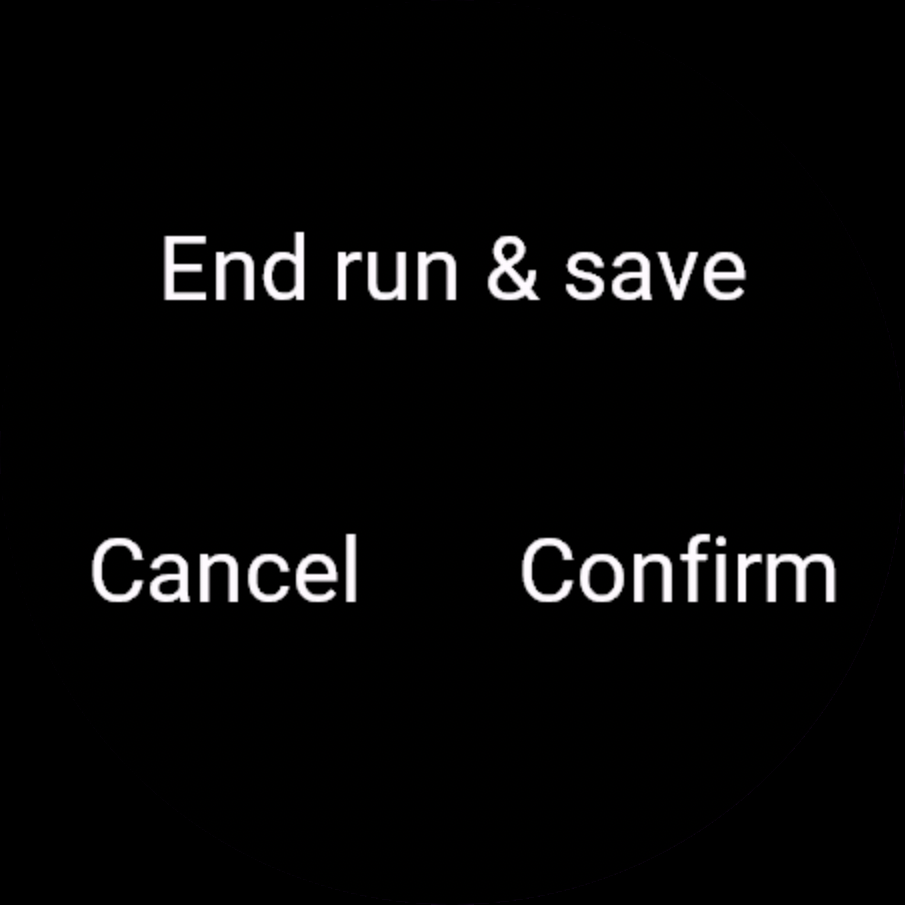
- Press the button below it. The watch asks End run & save.
- Choose Confirm.
The order matters. During a run that button is your lap key, so it only offers to end the run after you have paused it yourself. If the watch paused itself at a junction, pressing it marks a lap instead, so press the top-right button first even then. Holding UP or MENU during a run does nothing, so that can’t end your run by accident.
Getting the run back to PB-Runner
The watch sends the run the moment you stop, if your phone is nearby. If it was not, nothing is lost: the run is on the watch and the app says so.
- Open PB-Runner on the watch again with your phone nearby. It sends anything waiting every time it opens, and this is the step that actually brings the run across.
- Garmin Connect has to be running on your phone, because your watch reaches us through it. If the run is still missing, or it is taking a while, open Garmin Connect and hit Sync with the phone next to the watch, then open PB-Runner on the watch again.
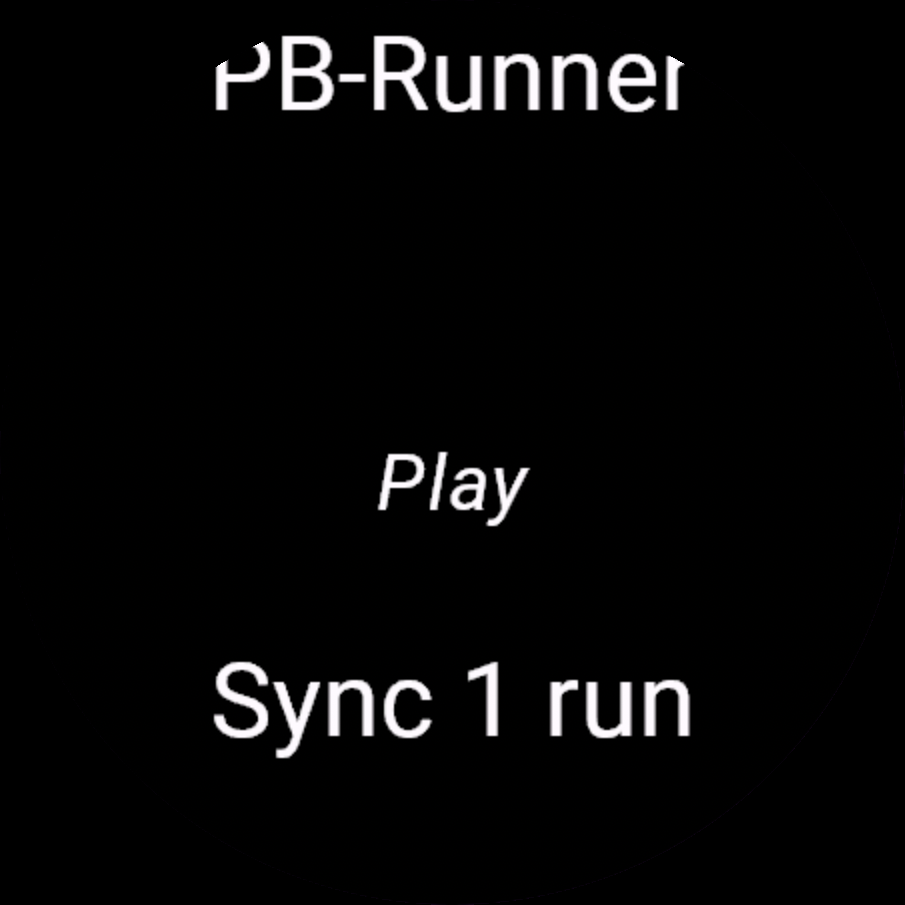
- Still waiting? On the PB-Runner home screen, hold UP on a Forerunner or a fenix, or hold the lower button on a Venu or a vivoactive. If a run is still queued there is a Sync row with a count on it. Press that.
The app only sends while it is open, so waking the watch or opening something else does nothing on its own.
Your run in Garmin Connect and Strava
The run is a normal Garmin activity as well, so it syncs to Garmin Connect the way every run on that watch does, and on to Strava if you have them linked. It carries the session’s name and a lap at every step. That happens on Garmin's own schedule, so the run can reach Garmin Connect and PB-Runner at different times.
Right to the finish
Your route and heart rate are kept right up to the moment you stop, on runs of up to about seven hours. The longer the run, the more widely the watch spaces its points: every 5 seconds to begin with, and about once a minute across the whole run once it passes roughly 2 hours 20 minutes. On a run that long the heart rate on each split can be marked as limited, though the figure is still there. Past about seven hours the watch keeps only your latest position, so the end of the map is drawn as a straight line to where you stopped. Runs recorded with an older version of the watch app can show that straight line from about 2 hours 20 minutes, and runs from before 1.0.3 could lose their last few minutes of trace and heart rate, so an older run’s map can end a little short and its final split read as limited. Its distance, time, splits and reps are still exact, because those come from the finish itself.
When something is wrong
- Not linked: the watch has no code yet. Generate one in Settings, then Garmin, and enter it in the Connect IQ app under this watch, then My Watch Apps, then PB-Runner, then Settings.
- Nothing planned, or Rest day: there is no session for today. Anything your AI schedules shows up the next time you open the app.
- Link rejected: the code was used, or expired, or belongs to another watch. Generate a fresh one and save it again.
- No connection, or Phone not connected: the watch could not reach us. START still plays a session loaded earlier in the day.
- Nothing recorded: the run was stopped before it had any running time in it, so nothing was kept.
- GPS: acquiring: the watch has not got a fix yet. It is a note, not a gate. START starts the run either way, and outdoors the fix usually lands in the first minute. Indoors there is no fix: the run still records, with a distance the watch estimates from your wrist and no map. The app has no treadmill mode.
Not connected yet? The setup guide walks you through installing the app and pairing your watch.
Anything else is on the support page.