
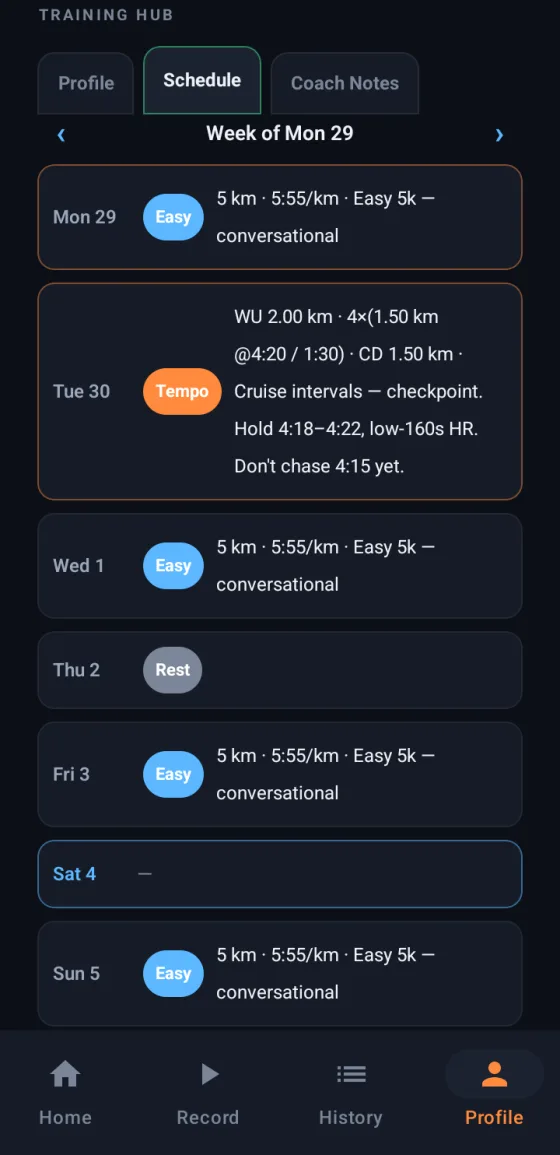
Ask Claude for the plan
Record with PB-Runner on your Android phone and Claude sees how you really train: how far, how fast, how often. Then ask:
"I'm running a half marathon on 12 April. Build my plan from the runs I've done this month."
- Am I running my easy days too fast?
- What's my longest run this year, and how did my pace hold up?
- I missed Wednesday. Rework the rest of the week.
Every session, on your phone
Claude shows you the week, you say yes, and it's in your Schedule. On the day, start the session on your phone and spoken cues call every rep, every recovery and every split.
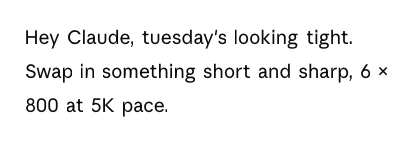
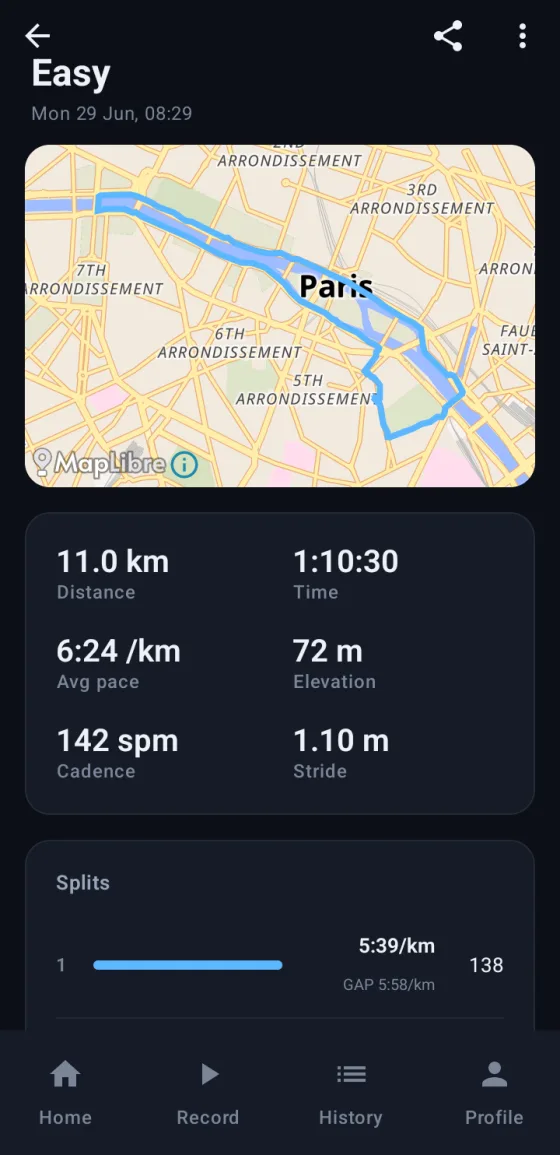
What Claude reads from your Android runs
- Distance, pace and elevation, with a split for every kilometre.
- Cadence and stride length, from your phone's motion sensors.
- How the run felt, when you log it.
- Your best efforts, personal bests and race predictions.
- Your plan, and every session you've ticked off.
Run with a Garmin? Bring it too
In PB-Runner, open Settings, then Garmin, then Connect your Garmin. The runs you record on your watch from then on arrive by themselves, and Claude reads them like every other run. Switch on Send my sessions to Garmin Connect and Claude's plan lands on your Garmin Connect calendar too. More in an AI training plan for your Garmin.
Connect your Android phone to Claude in three steps
- Install PB-Runner from Google Play and sign in with Google or Apple.
- In Claude, open PB-Runner Running Coach, or go to Settings, then Customize, then Connectors, and search for it. Click Connect.
- Sign in with the same account as the app. Claude's free plan works, and every paid plan.
Every screen, with pictures, is in the setup guide. The link is also on Connect your AI, on the app's Home screen.
Questions runners ask
How do I connect my Android phone to Claude?
Get PB-Runner from Google Play and sign in with Google or Apple. Then add PB-Runner Running Coach from Claude's connector directory and sign in with the same account. Claude reads every run you record, on the free plan too.
Can Claude make me a running plan on Android?
Yes. Give Claude your race and your date. It builds the plan from your own runs, shows you the weeks, and saves them to your PB-Runner Schedule when you agree. Each session plays on your phone with spoken cues.
Do I need a watch?
No. Your phone records the run: route, distance, pace, elevation, splits, cadence and stride. Run with a Garmin? Connect it in the app and your watch runs come in too.
Does it work on Claude's free plan?
Yes. Add PB-Runner Running Coach from Claude's connector directory on any plan, the free one included.
Does Claude see where I run?
No. Claude gets your numbers: pace, splits, cadence and the rest. Your GPS route and coordinates stay in PB-Runner.
Your plan, in your pocket
Connect your Android phone to Claude
Download PB-Runner, connect your AI and ask for your first workout. Everything else is at pb-runner.com.

